Unity Configuration
Here you will find everything you need to start a new project.
Project Hierarchy
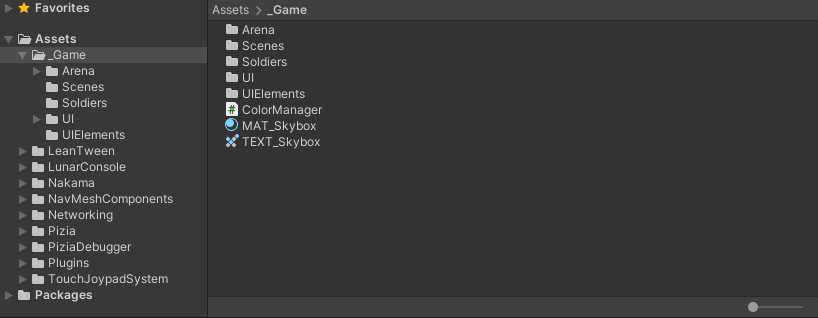
Create a folder called "_Game" inside "Assets" and put there all the code/art related to that project, and let all the Plugins or third party elements inside "Assets".
Art Package
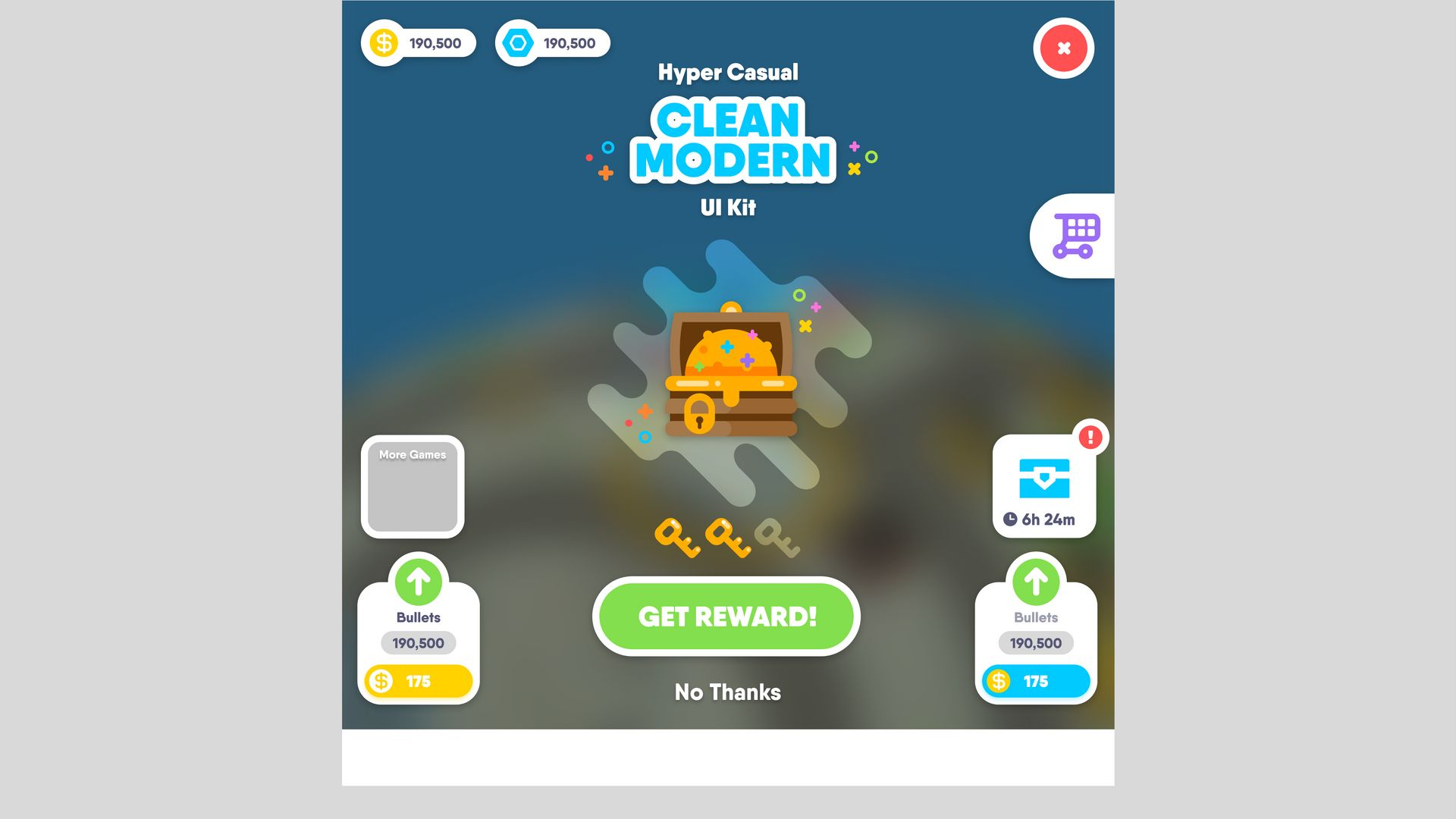
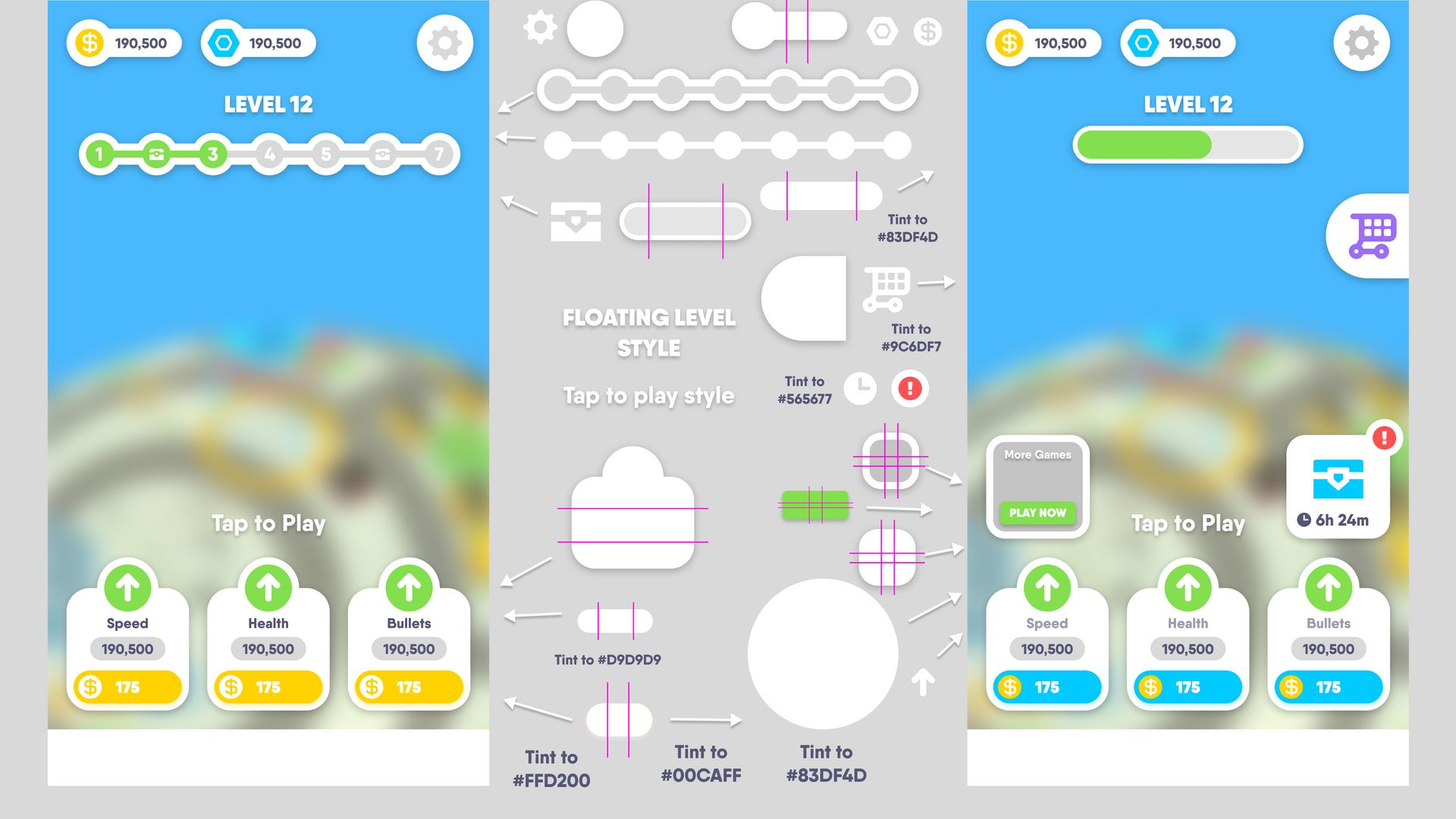
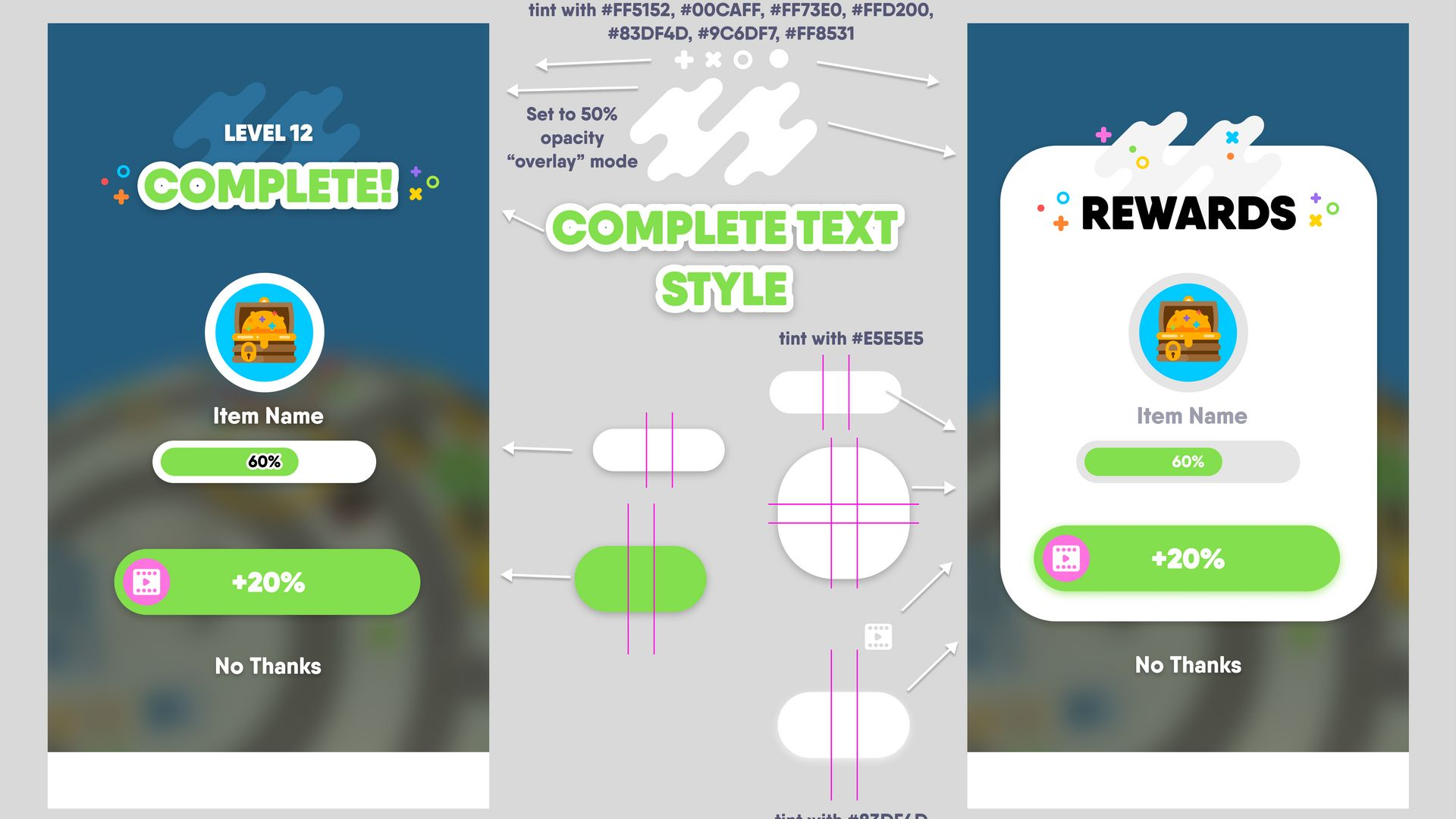
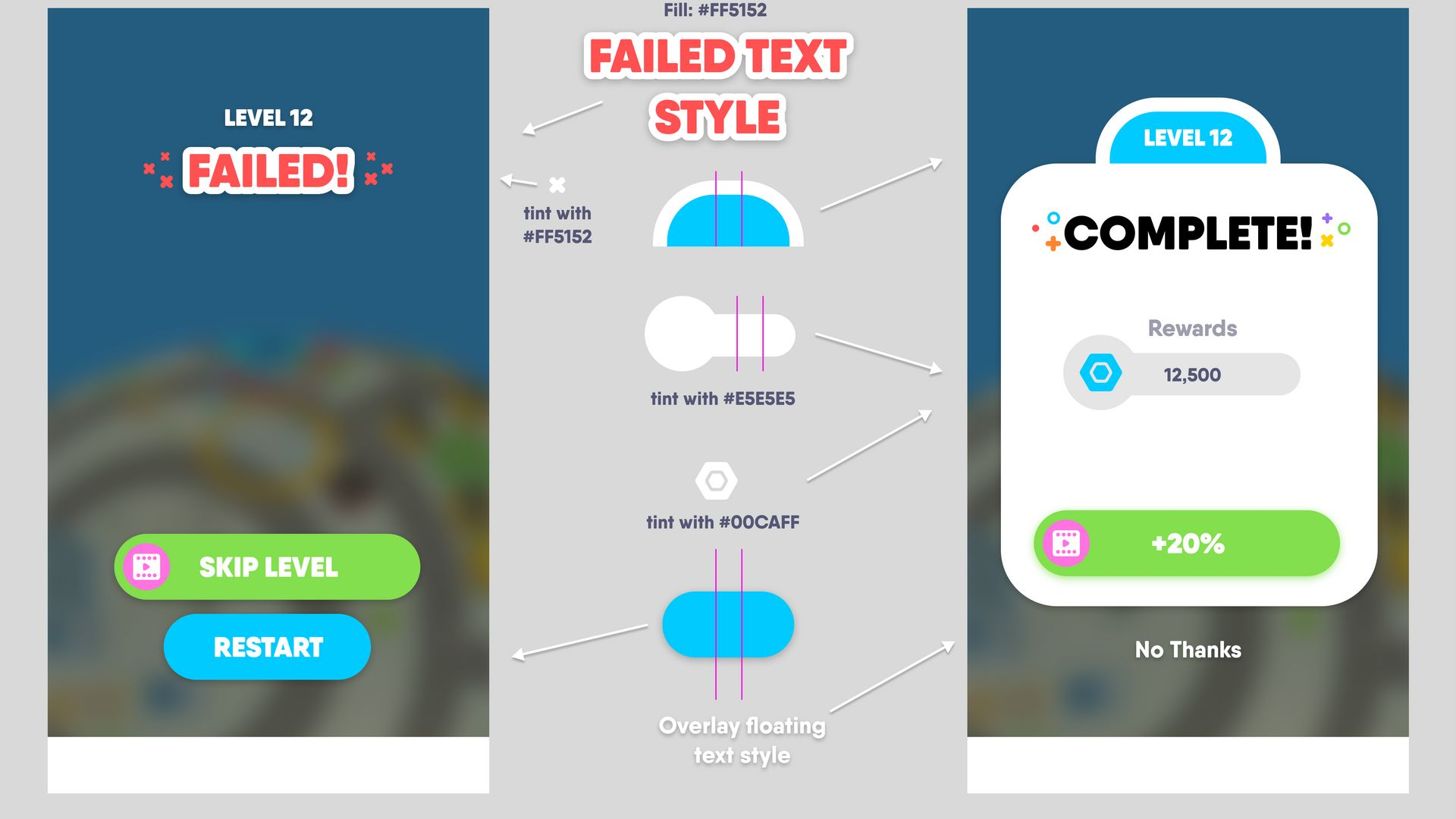
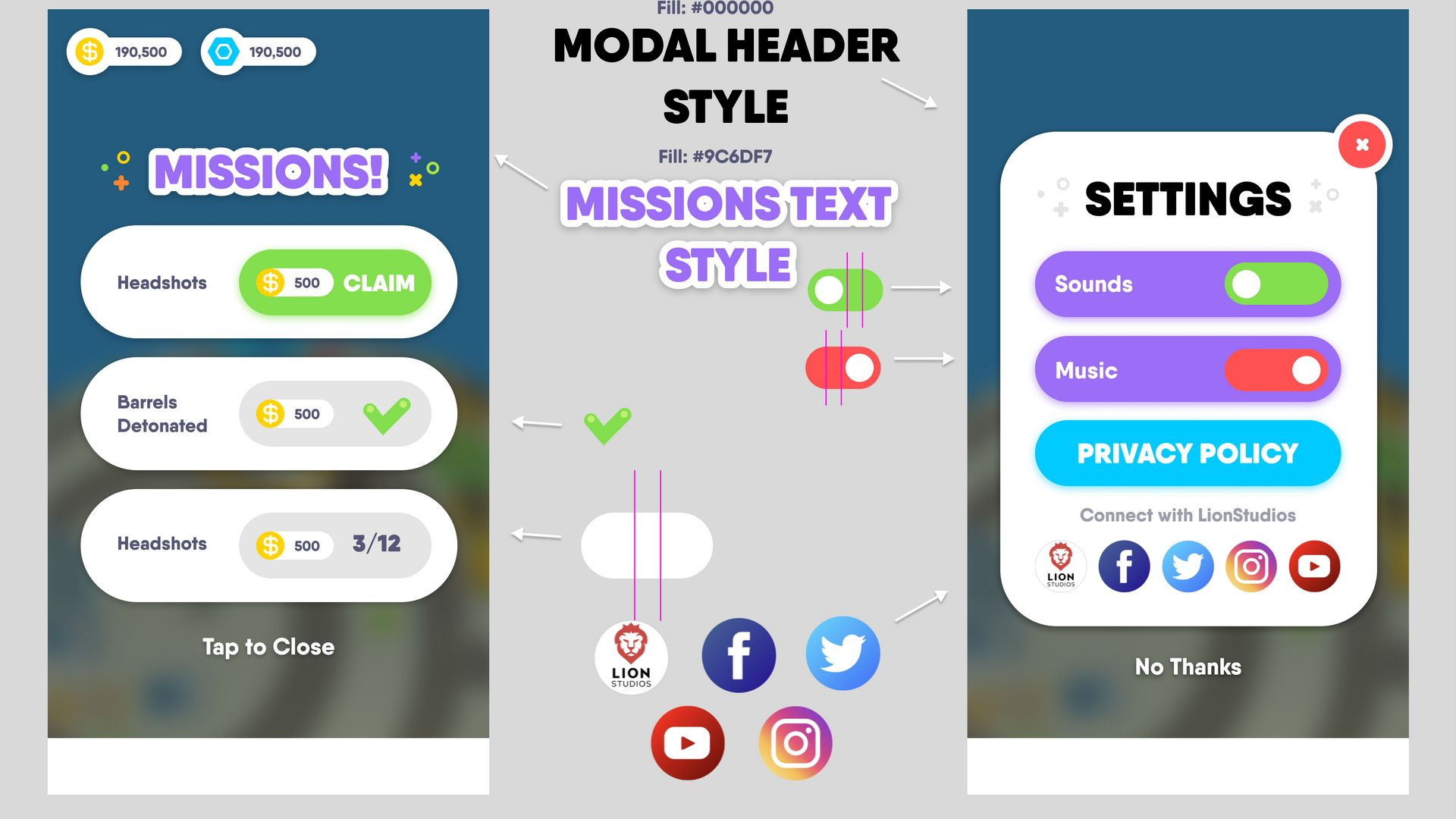
Import the Art Package, and use it to create all the basic UI, only request art assets if those are neccesary for the game, here you have some examples on how to use this pack.
tip
This pack also contains particle VFX and Fonts, check them before requeste or create new ones.
Lighting Settings
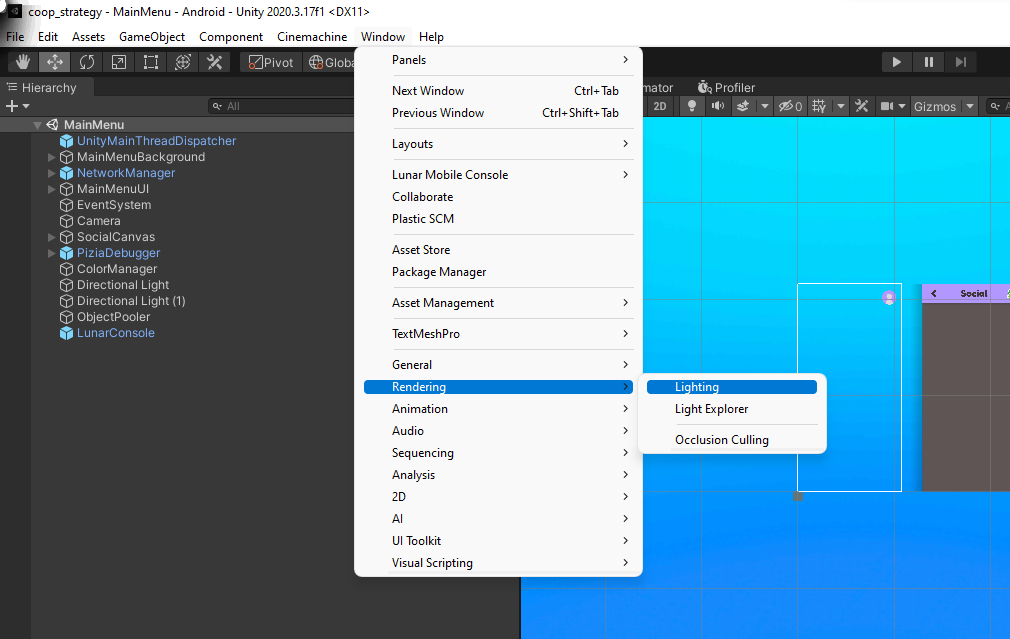
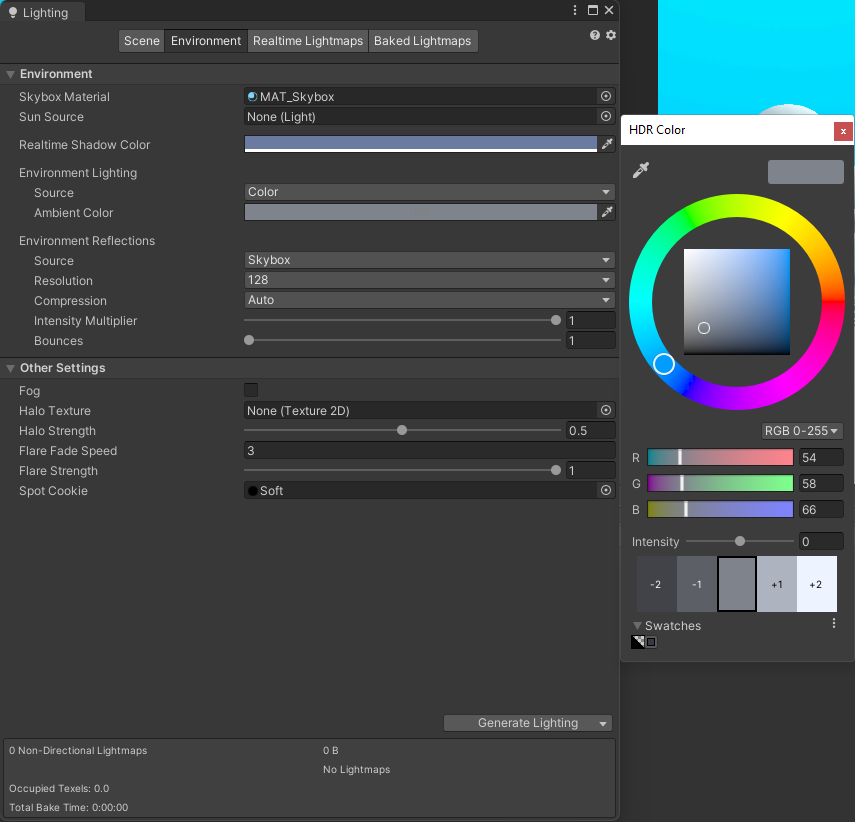
Always change the default environment lighting settings, you can do that inside Window -> Rendering -> Lighting and then click on the Environment tab.
Inside there, play with the "Source" inside "Environment Lighting", put it in "Color" or "Gradient" and change the values depending on your desired aesthetic, here is an example of a basic configuration.
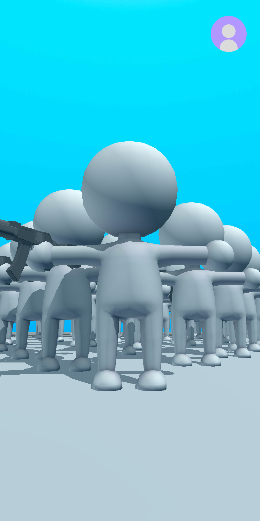
This will result in a lighting as follow.